22nd Oct 2026
How to Make Photoresist Stencils for Sandcarving: Beginner Tips
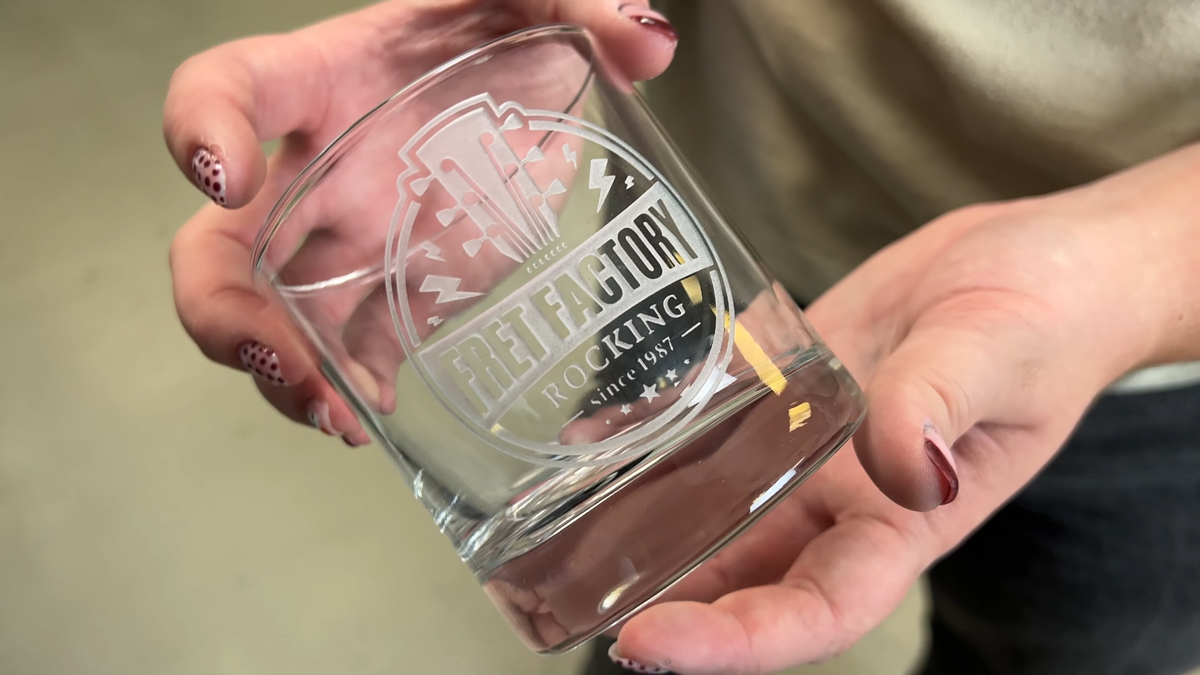
Making sandcarving stencils using photoresist film doesn't have to be complicated. Whether you're new to sandcarving or have already made a few stencils, learning the right techniques can make a big difference in your results.
A good stencil is the foundation of a successful sandcarving project. It protects the areas of your glass or other substrate that you don't want to carve while allowing the abrasive to create your design in the exposed areas.
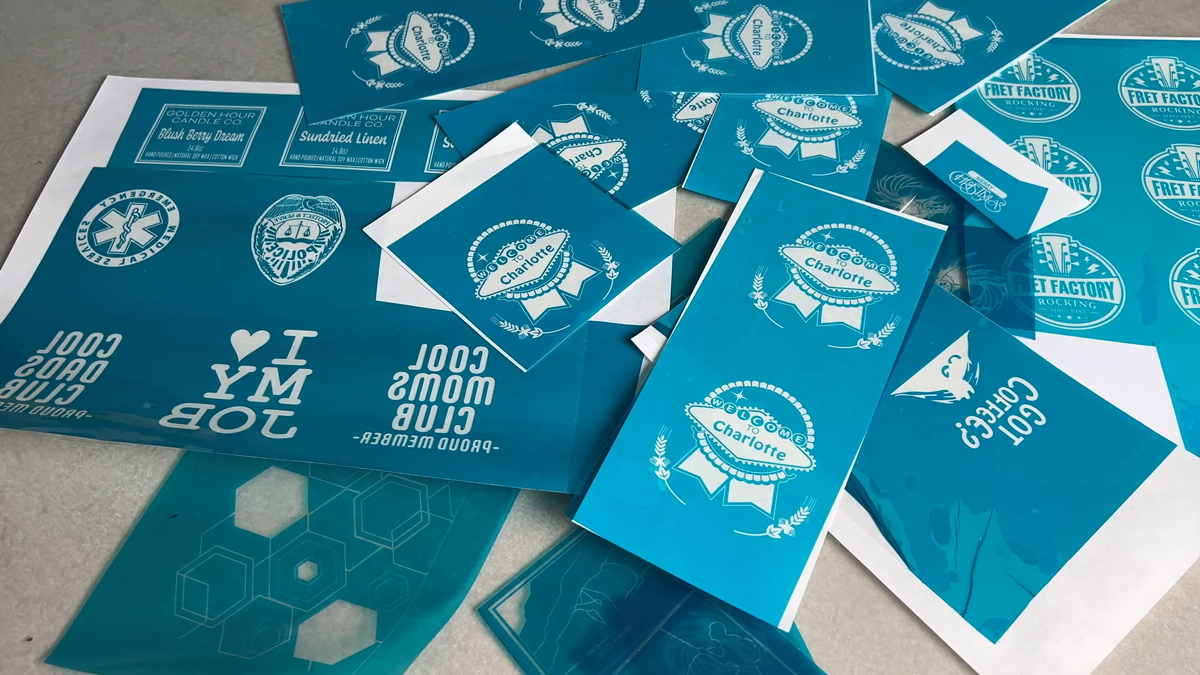
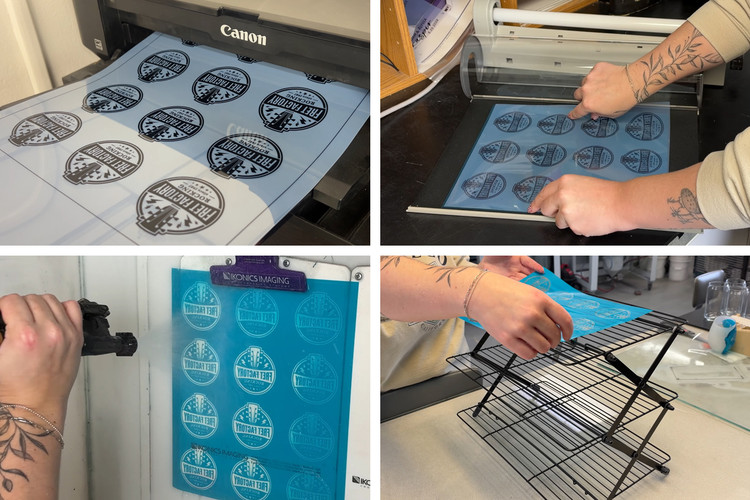
In our latest YouTube video, we walk through the stencil-making process and share simple tips to help you avoid common mistakes, improve your results, and make better sandcarving stencils. Click the link below to watch, or keep reading to learn more.
WATCH: How To Make Photoresist Stencils for Sandcarving
1. Start with Dark, High-Quality Printed Artwork
The first step in making a great photoresist stencil is printing your artwork correctly.
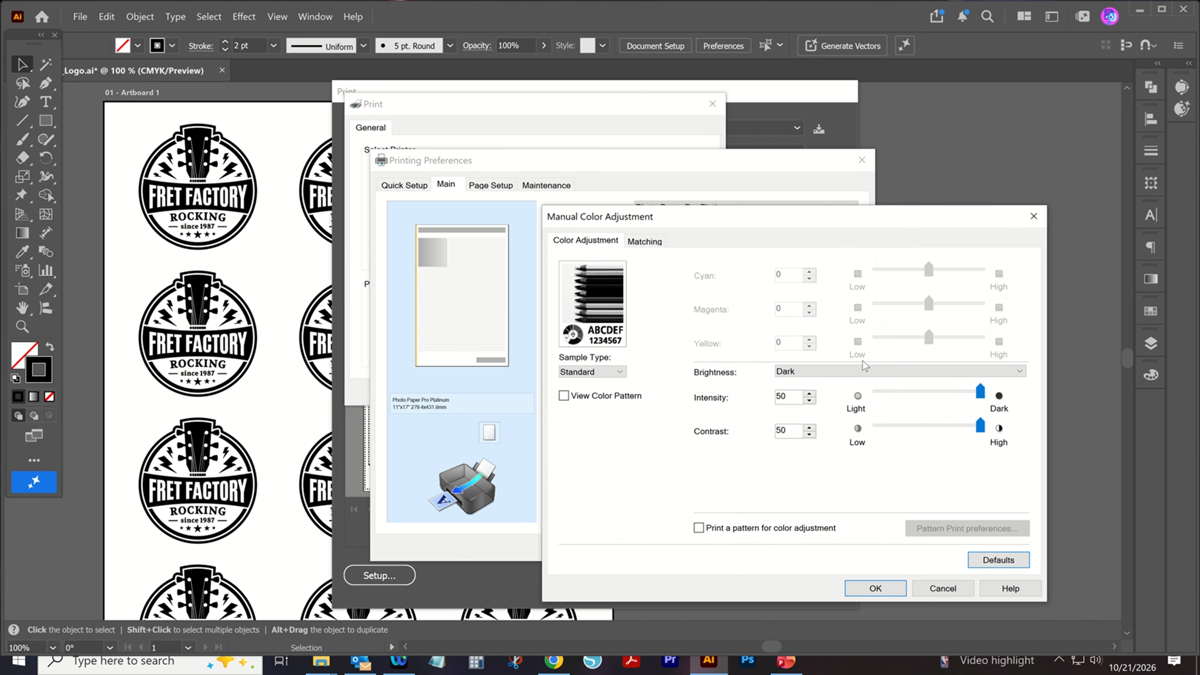
Before printing, check your printer settings. Every printer is a little different, but you'll generally want to select a high-quality print setting, often labeled "Photo" or "Best Quality." Print in black and white, and increase the contrast or ink density if your printer allows it.
The goal is to create artwork with dark, opaque black areas that block UV light during exposure. If too much light passes through the printed areas, your stencil may not wash out properly.
We are using the Canon Pixma iX6820 printer. For our exact print settings, check out the blog How To Adjust Print Settings on Canon Pixma iX680 for High Density Printing. And we always print on AccuBlack inkjet printer film, which has a special coating to help make the ink darker.
Beginner Tip: Not sure which side of your inkjet film to print on? Try the "lick it and stick it" method. Lightly moisten your fingertip and touch a corner of the film. The side that feels tacky is the printable side.
2. Protect Your Photoresist Film from UV Light
Photoresist film is sensitive to UV light, so how you handle and store it matters.
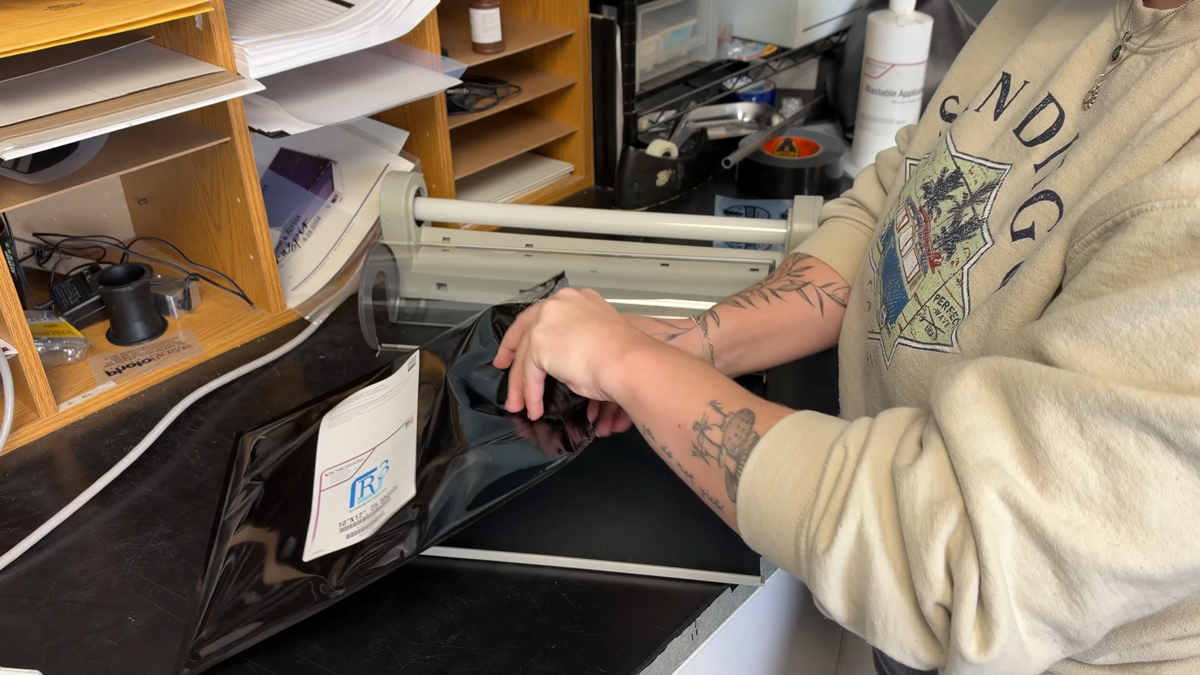
When you're ready to make your stencil, remove the film from its packaging, cut the amount you need, and immediately return the unused film to its protective packaging.
You don't need to work in complete darkness, but you should avoid direct sunlight, bright windows, and prolonged exposure to UV light.
This is especially important before exposure and during washout. Unwanted UV exposure can make the film more difficult to wash out and affect the quality of your finished stencil.
Beginner Tip: Set up your workspace and gather your supplies before opening your photoresist film. This helps you work efficiently and minimizes unnecessary light exposure. We are using R-Series R3 photoresist film for this tutorial.
3. Position Your Artwork Correctly for Exposure
Once your artwork is printed and your film is cut, you're ready to expose your stencil.
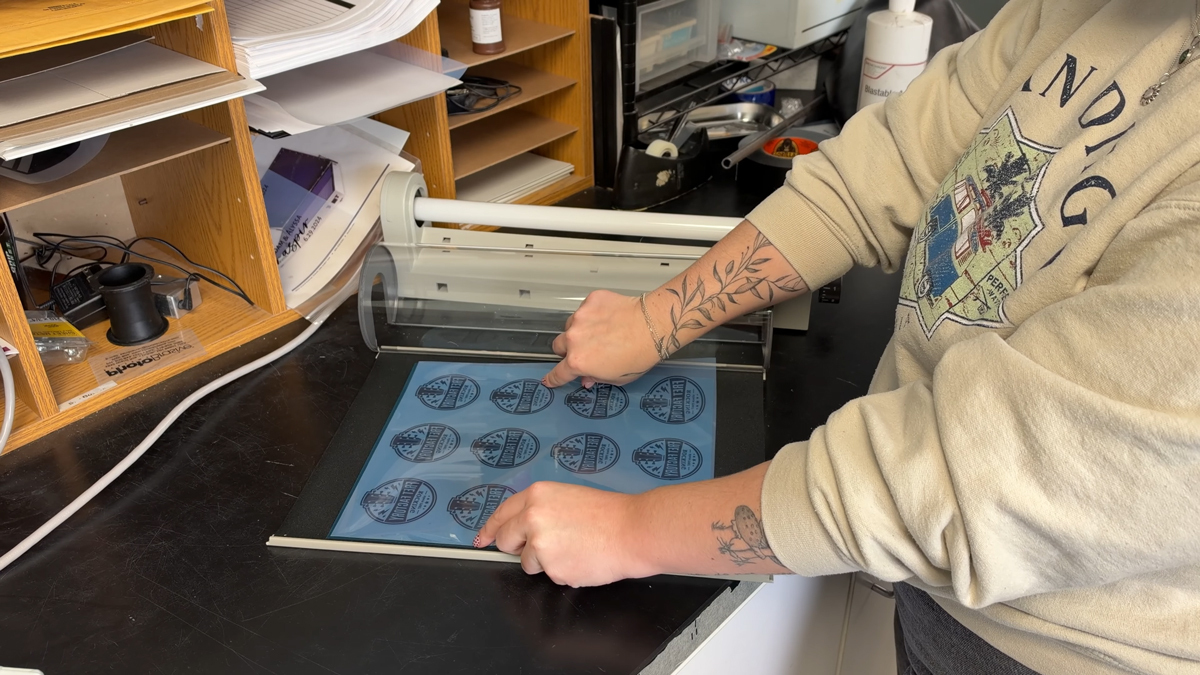
When using a Letralite exposure unit with washout photoresist film, place the photoresist film shiny side down on the exposure mat. Then position your printed artwork on top so the design is wrong-reading, or backward. This ensures that your finished stencil will read correctly after washout and application.
Before turning on the exposure unit, make sure the artwork is making good contact with the photoresist film. The exposure blanket should be pulled tight to create a good seal.
Good contact helps prevent light from spreading beneath the dark areas of your artwork, resulting in sharper details and cleaner stencil edges.
How Long Should You Expose Your Photoresist Film?
Exposure times vary depending on the type of photoresist film and exposure equipment you're using.
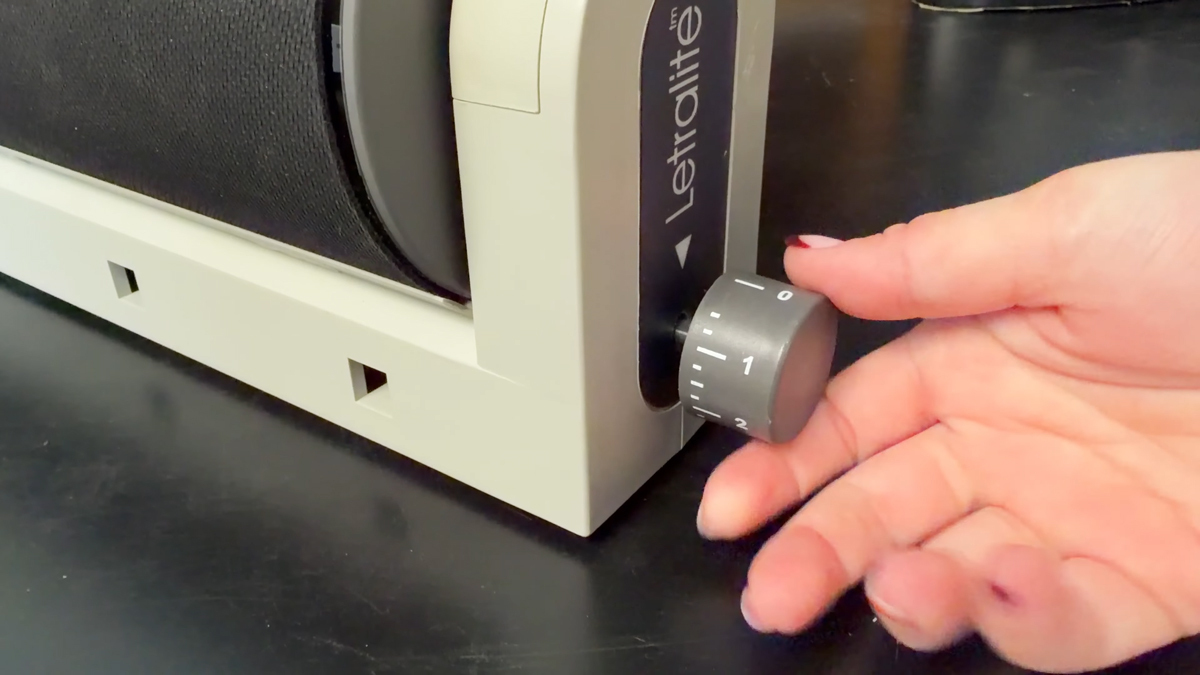
For example, when using our R-Series photoresist film with the Letralite exposure unit, we expose for 45 seconds.
Always refer to the recommended exposure settings for your specific film and exposure unit.
4. Use Warm Water and Keep Your Nozzle Moving During Washout
After exposing your photoresist film, move directly to your washout area.
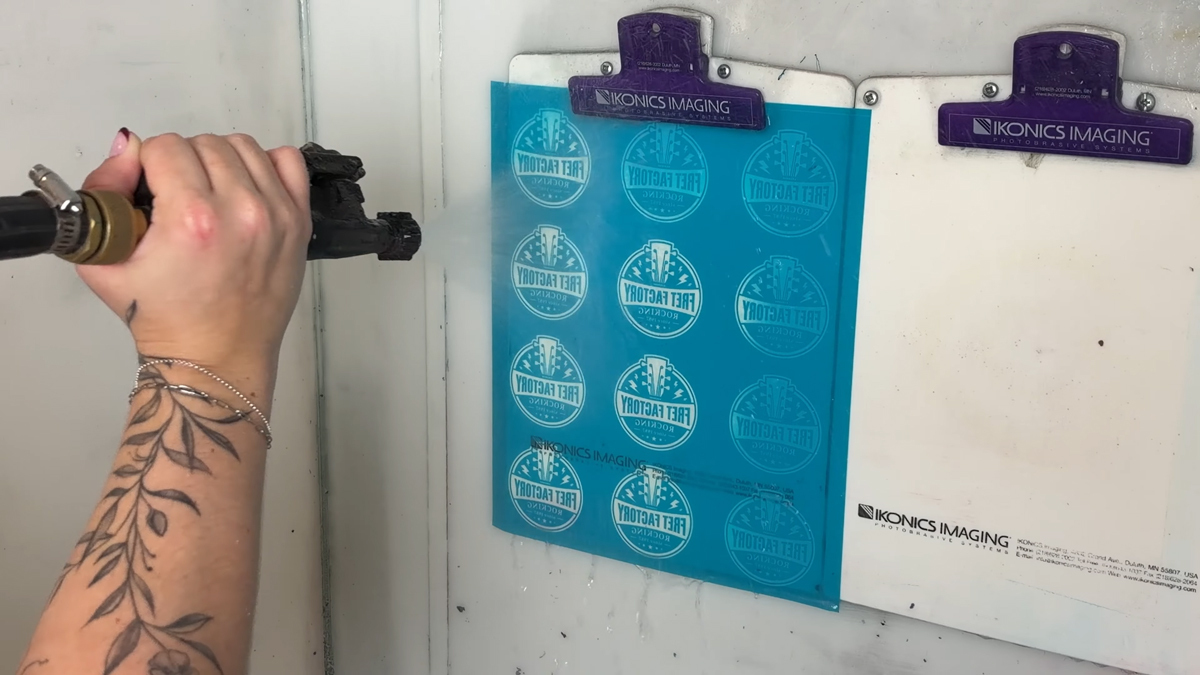
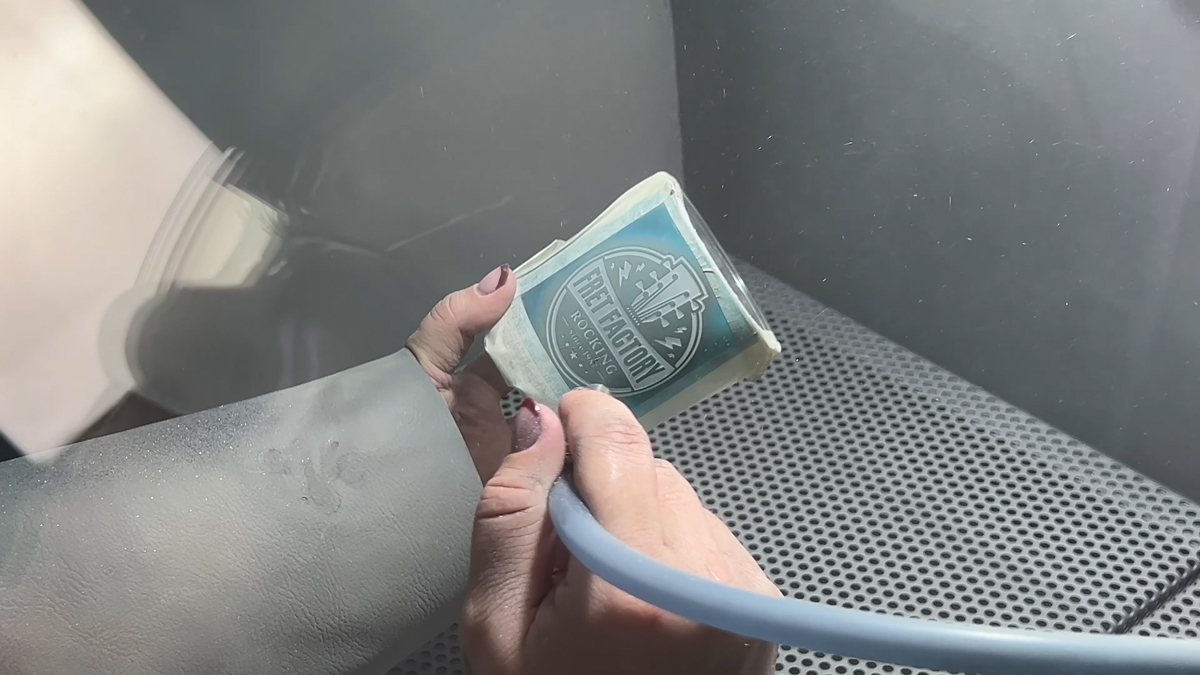
During washout, water removes the unexposed portions of the photoresist, revealing the openings in your stencil where the sandcarving abrasive will eventually contact the substrate.
For best results, use warm water and a nozzle that provides adequate water pressure, such as the IKONICS Imaging TriggerJet Nozzle.
Warm water helps soften the unexposed coating, making it easier to remove and speeding up the washout process.
As you wash out your stencil, keep the spray nozzle moving across the design. Avoid concentrating the water pressure on one area for too long, as this can weaken or damage the stencil.
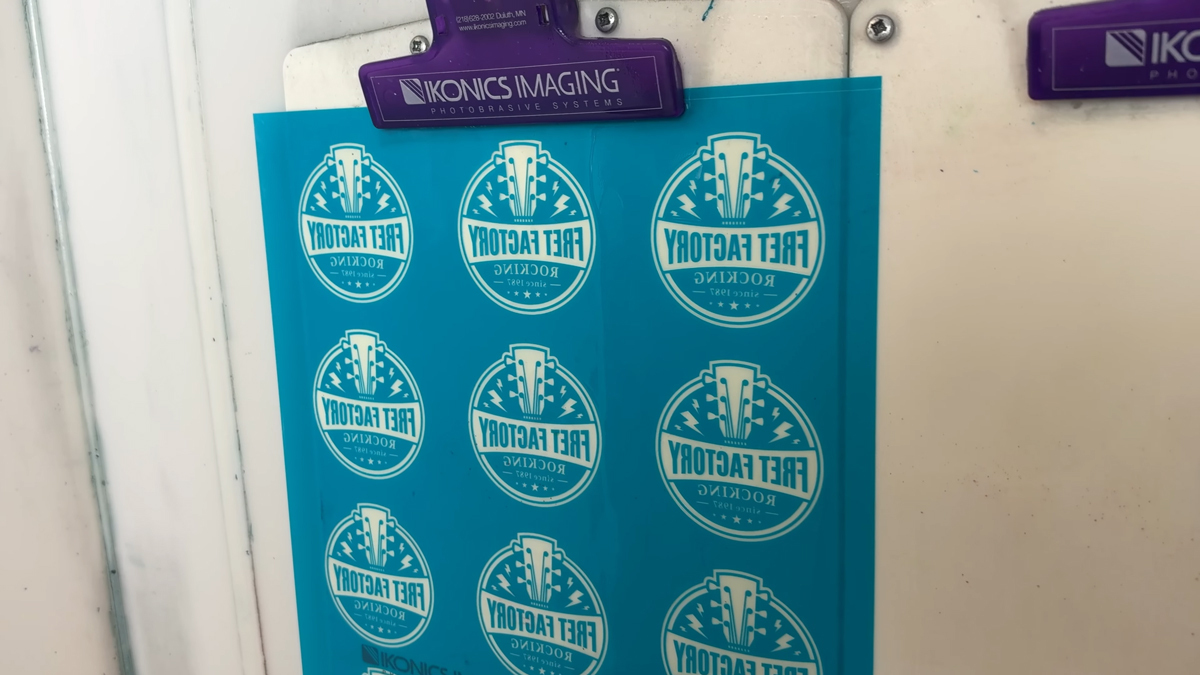
Beginner Tip: After washout, hold your stencil against a white clipboard or other white background. The contrast makes it easier to spot areas that haven't completely washed out, especially small details and lettering.
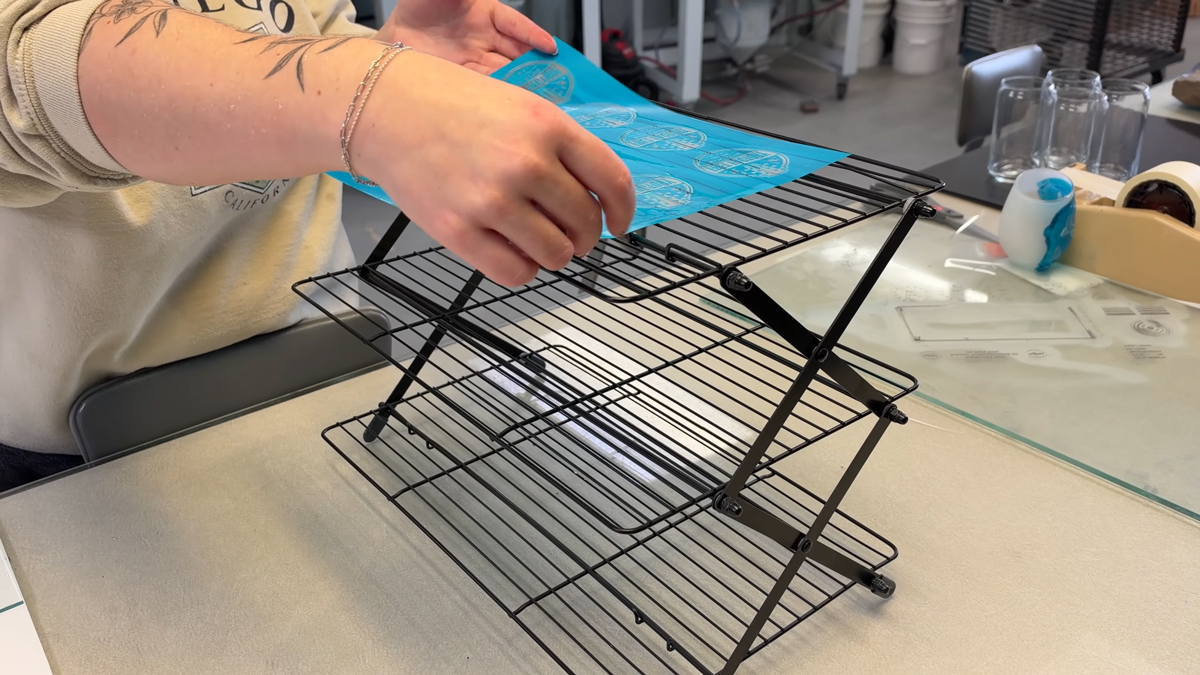
5. Dry Your Stencil Without Overdrying
Once your stencil is completely washed out, it's time to dry it.
You have two options:
- Air Drying: Hang your stencil or use a drying rack and allow it to dry naturally.
- Using a Dehydrator: Speed up the drying process with a film dryer or dehydrator designed for the task.
The important thing is to make sure your stencil is completely dry without overdrying it.
Overdrying can reduce the tackiness of the adhesive, making the stencil more difficult to apply to your glass or other substrate.
If your stencil has lost some of its tack, lightly breathing warm, moist air onto the adhesive can help restore some stickiness before application.
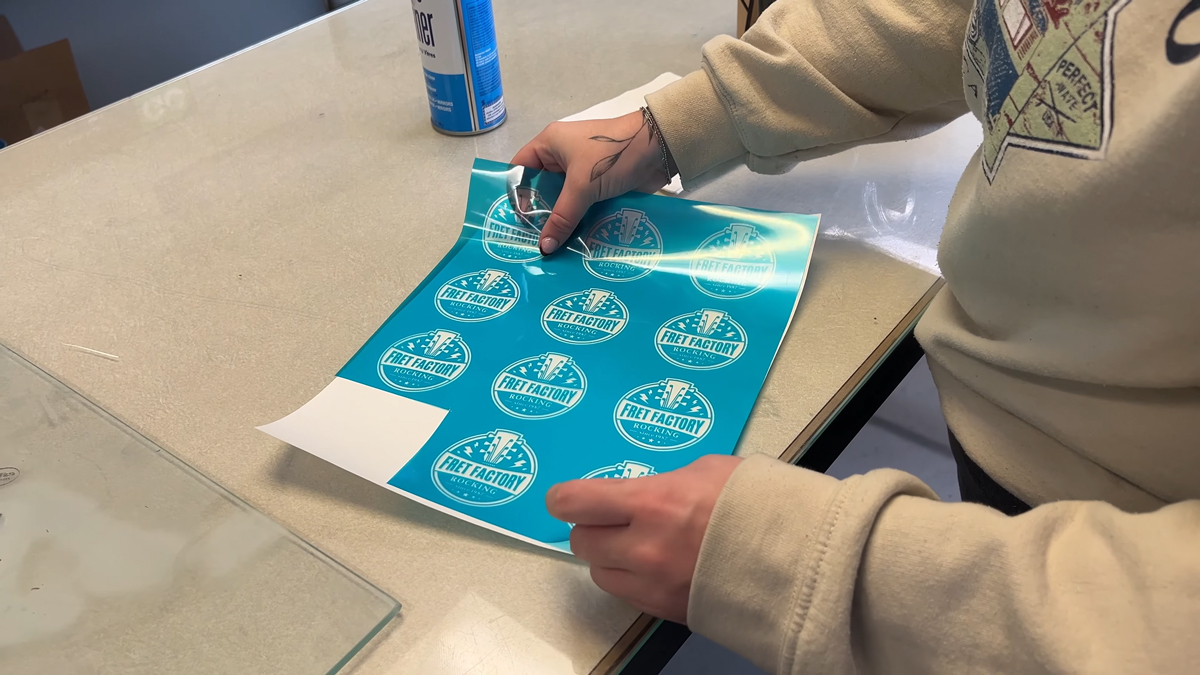
Once dry, place the stencil on a silicone-coated release sheet to keep it protected until you're ready to use it.
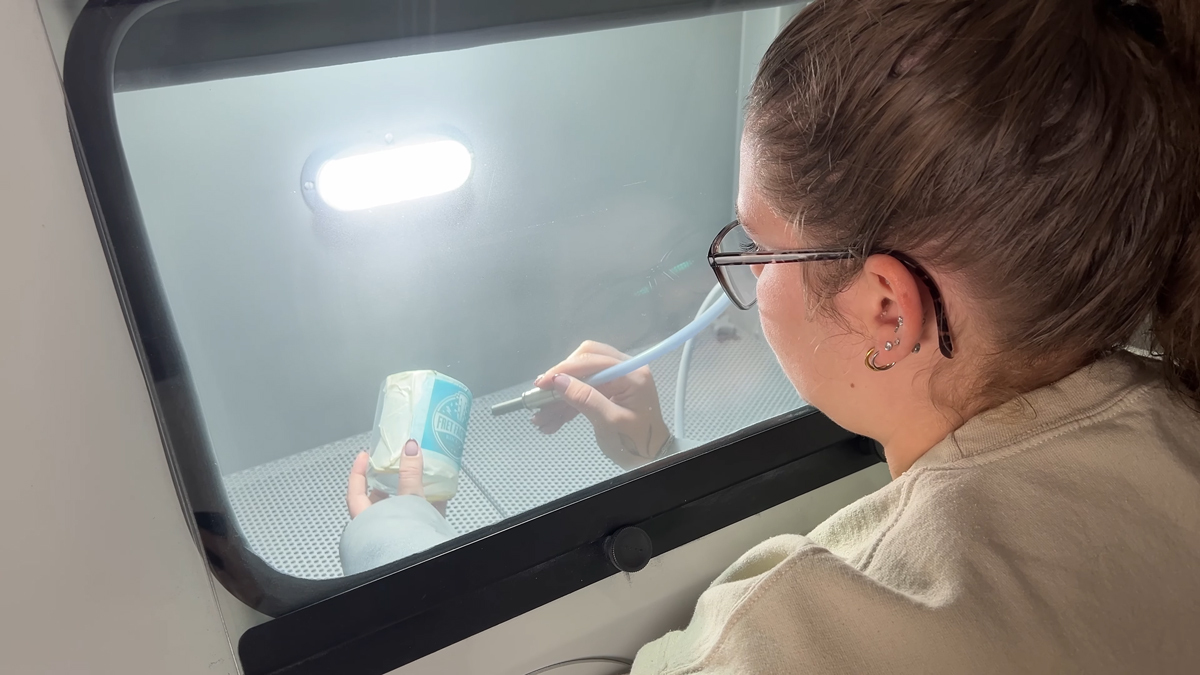
6. Practice Makes Better Sandcarving Stencils
Like any new skill, making photoresist stencils gets easier with practice. Small adjustments to your printing, exposure, washout, and drying techniques can make a big difference in your finished results.
Remember these key tips:
- print your artwork as dark as possible
- minimize unnecessary UV exposure
- ensure good contact during exposure
- use warm water during washout
- avoid overdrying your stencil
Once you get comfortable with these steps, you'll be ready to create detailed, professional-looking sandcarving stencils for glass, stone, ceramics, and other materials.
Keep Learning with IKONICS Imaging
Ready to take the next step? Check out our guide on How to Apply Photoresist Film for Sandcarving to learn how to properly position and apply your finished stencil to your substrate.
You can also explore our 3 Washout Options for Sandcarving Films to find a washout setup that works for your workspace.
For more beginner-friendly sandcarving tutorials, equipment demonstrations, and helpful tips, subscribe to the IKONICS Imaging YouTube channel and turn on notifications so you never miss a new video.
Have questions about photoresist films or getting started with sandcarving? Contact IKONICS Imaging and our team will be happy to help!